
CodeTwo Email Signatures 365
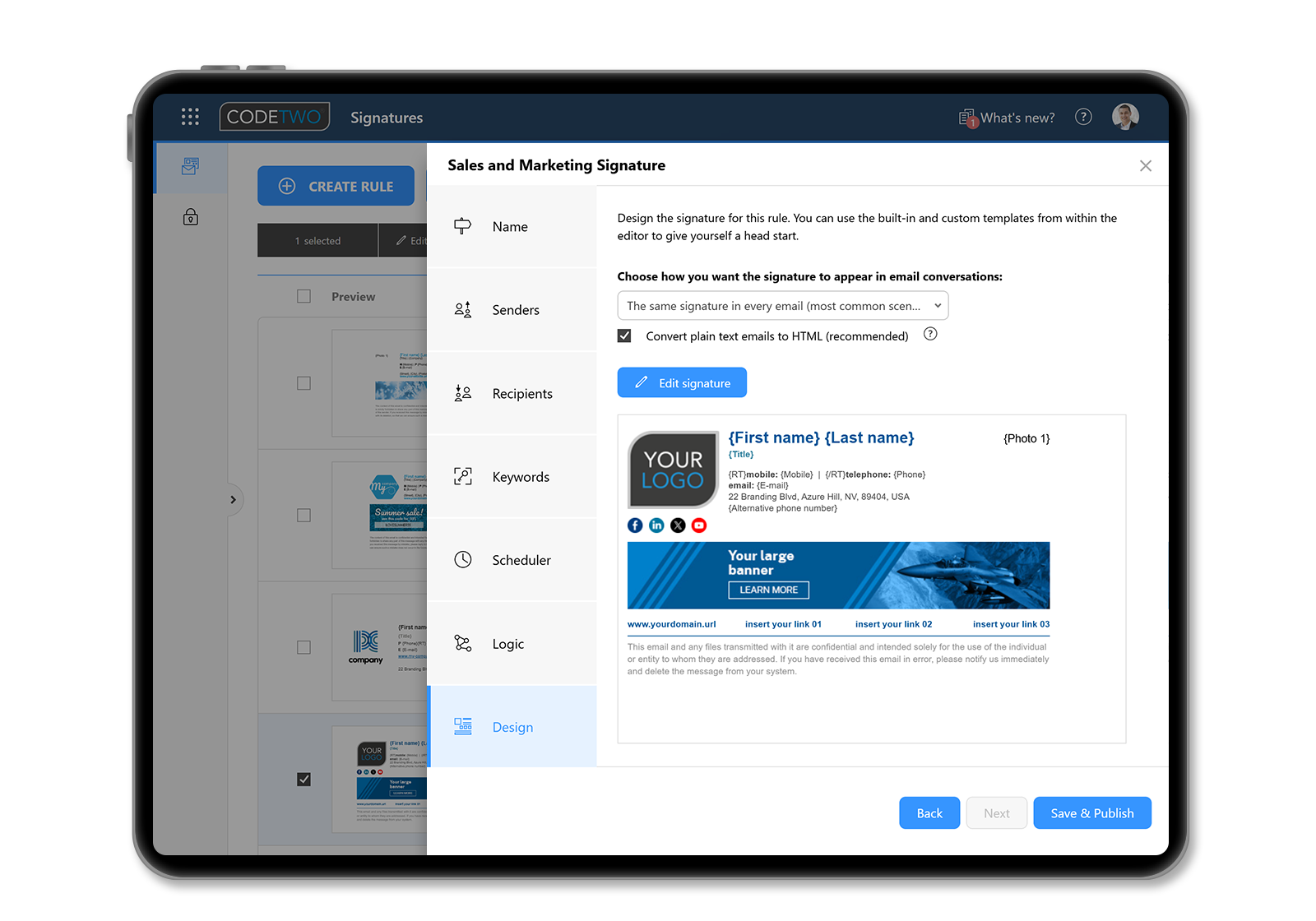
CodeTwo Email Signatures 365 lets you centrally distribute and manage email signatures and disclaimers in your Microsoft 365 (Office 365) tenant. In addition, it offers many advanced features to enhance your organization’s email signatures. Below are some common examples of how to use our email signature software. Check them all out and see how we can help you achieve more with professional email signatures.
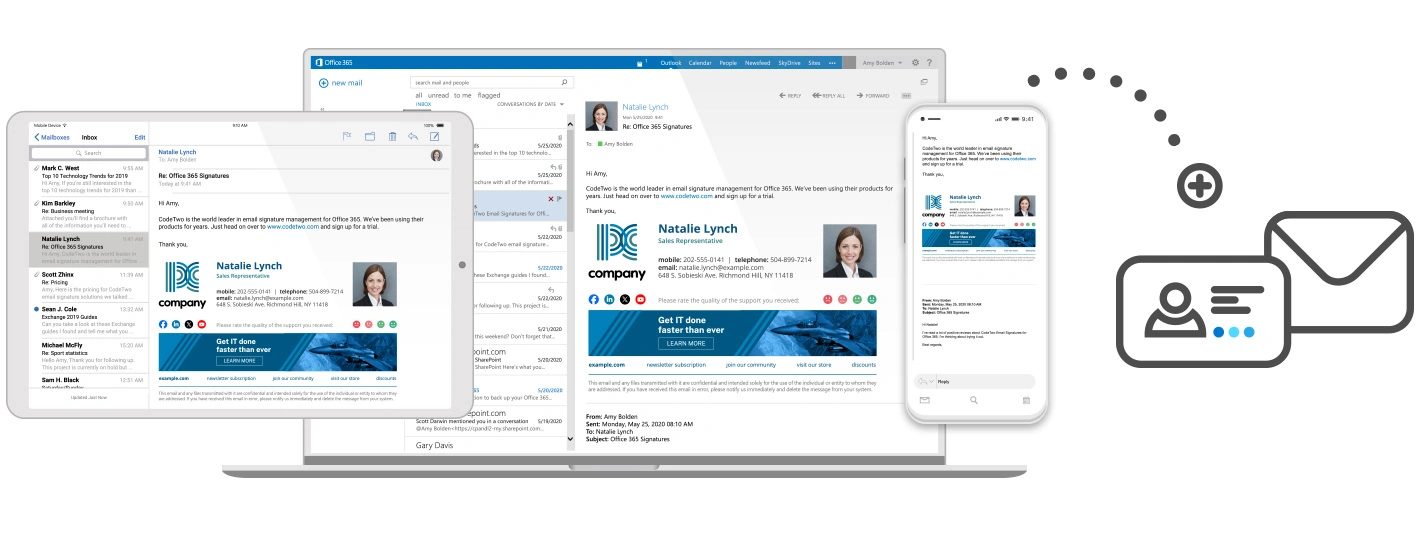
Signatures added to emails sent from all email clients (including mobile phones)
Branding builds recognition, and email signatures are a crucial branding element. Therefore, you need to ensure all your business emails. Including those sent from mobile devices, have the correct signature (not a “Sent from my phone” signature). CodeTwo Email Signatures 365 can add signatures to messages sent from any email client without additional setup.
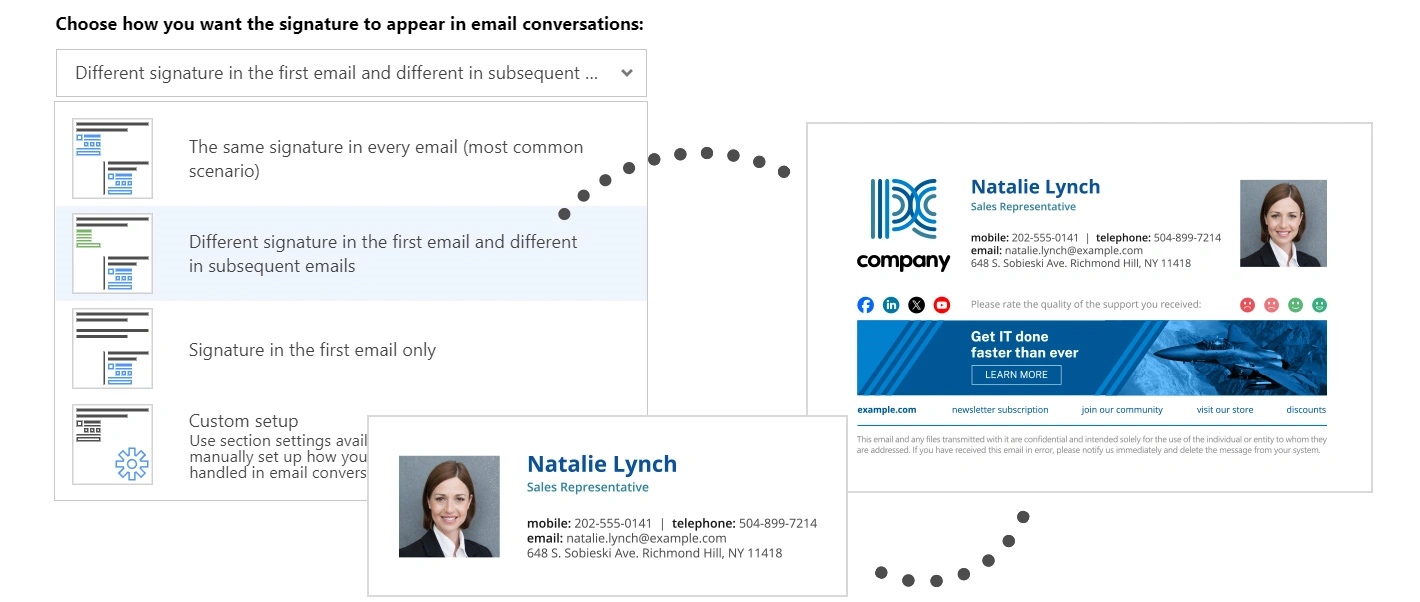
Different signatures for first and subsequent emails (replies/forwards)
Email signatures can be lengthy and make reading actual messages in long email threads difficult. However, there’s a simple solution: keep all necessary information (marketing banners, social media icons. Other attention-grabbing elements) in your first email. But, in subsequent messages within the same conversation, only include essential details (company logo, contact information). All this with just a click.
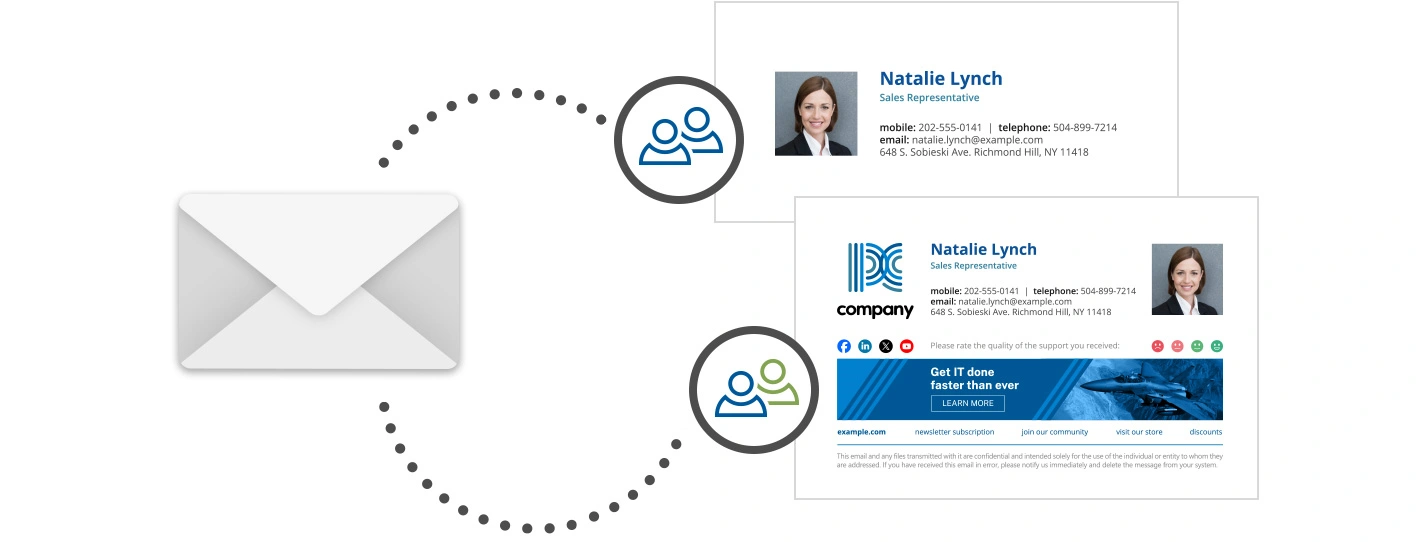
Different signatures for internal and external emails
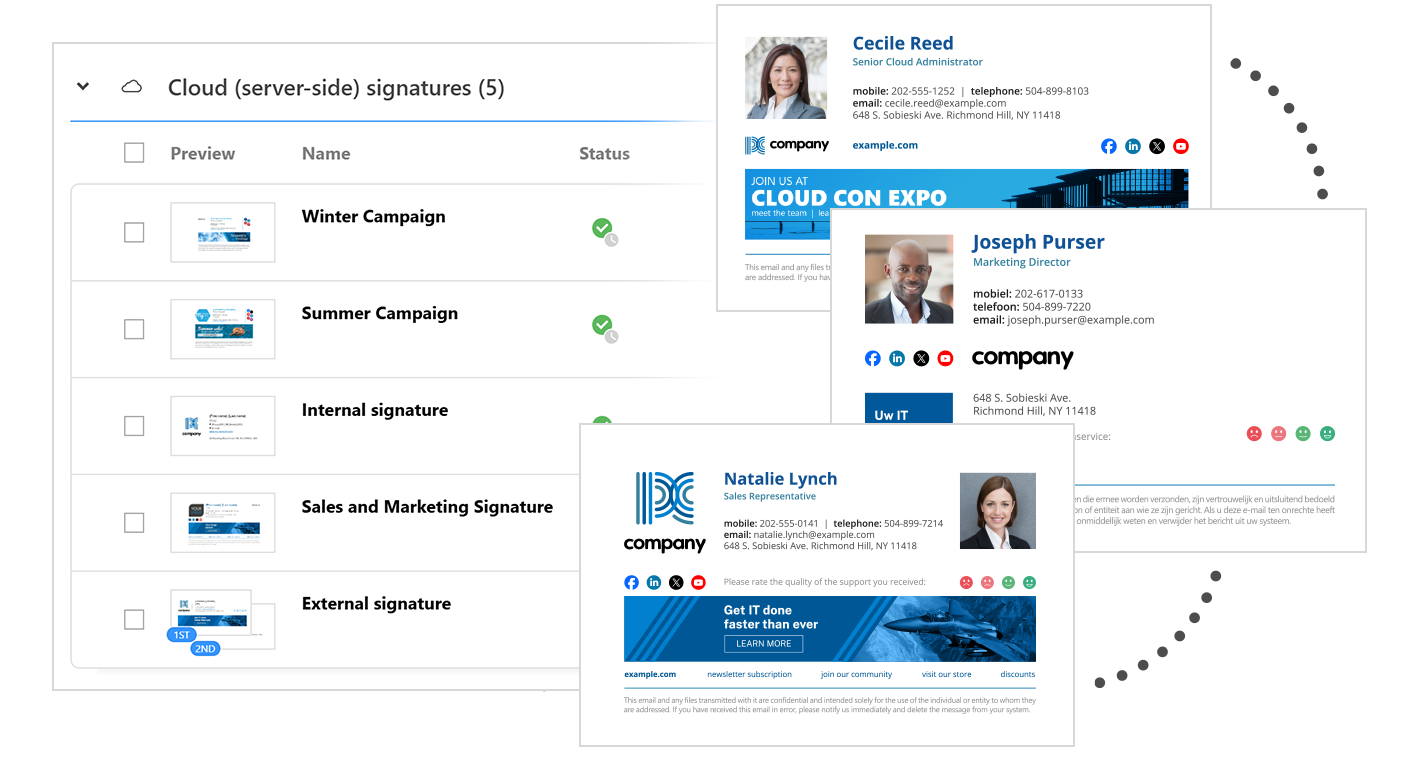
There’s no need to add marketing banners to emails sent within your organization. You can probably exclude other elements that would only consume mailbox space. With CodeTwo Email Signatures 365. You can easily create separate signature rules for messages sent among your users and those sent to external domains.
Customized email signatures for different users or departments
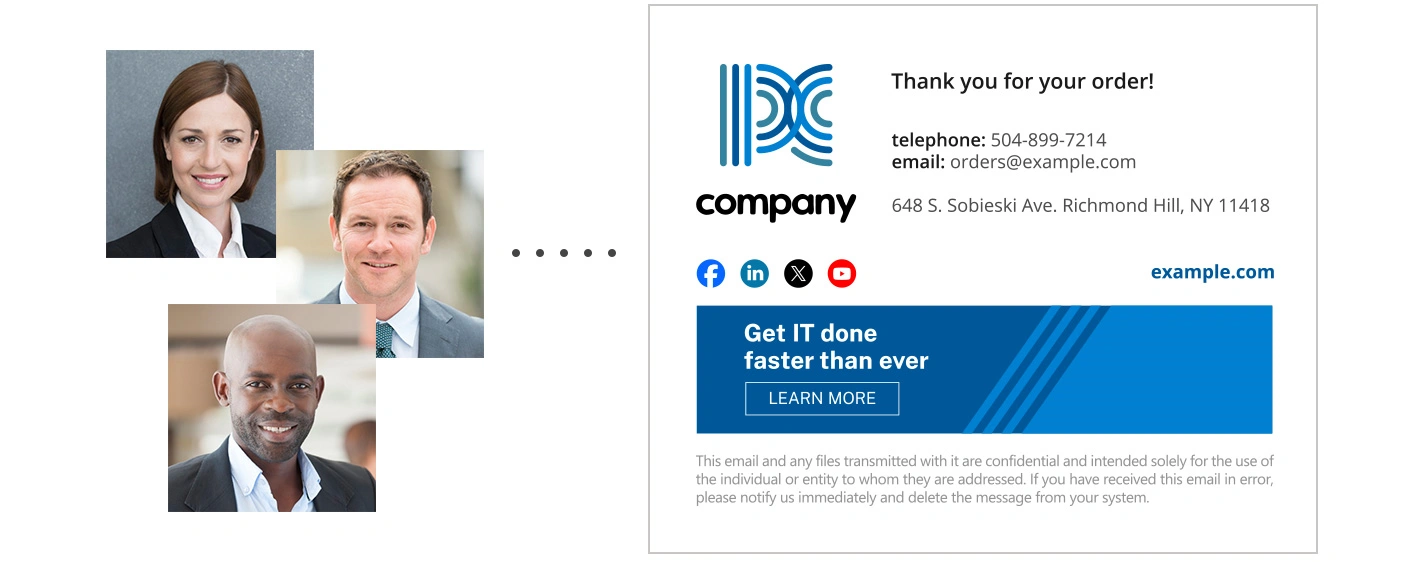
Top executives usually don’t need a signature advertising your company’s products or services. The same goes for departments like Legal or Compliance that deal with official bodies daily. Therefore, you should create several signature rules in CodeTwo Email Signatures 365 using different signature templates. This way, for example. You can apply the signatures used in your marketing campaigns only to emails sent by Sales and Marketing teams.
Signatures added directly below replies/forwards
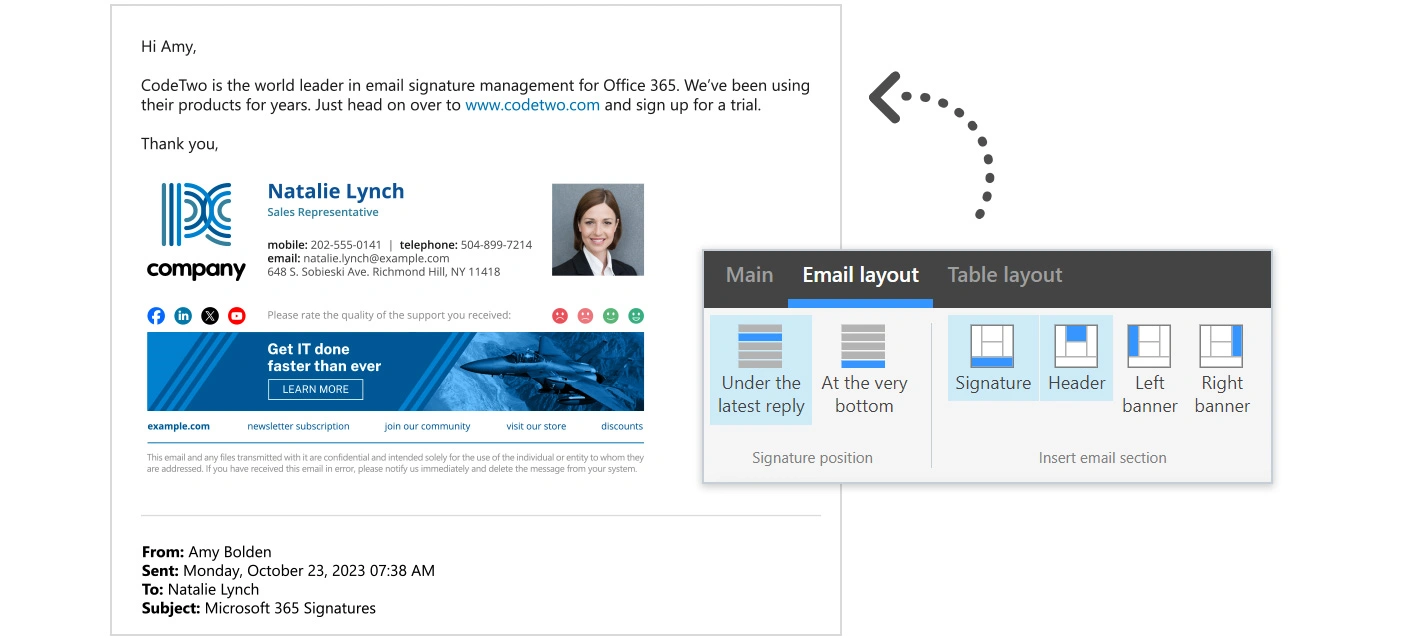
CodeTwo signatures don’t accumulate at the bottom of an email thread. Instead, they’re added immediately after the latest reply or forward (this is the default setting). This is a significant advantage of CodeTwo Email Signatures 365 over the native signature solution in Exchange Online. However, if you use legal disclaimers in emails and prefer them to appear at the end of a conversation. You can have that too.
Email signatures tailored to your target customers
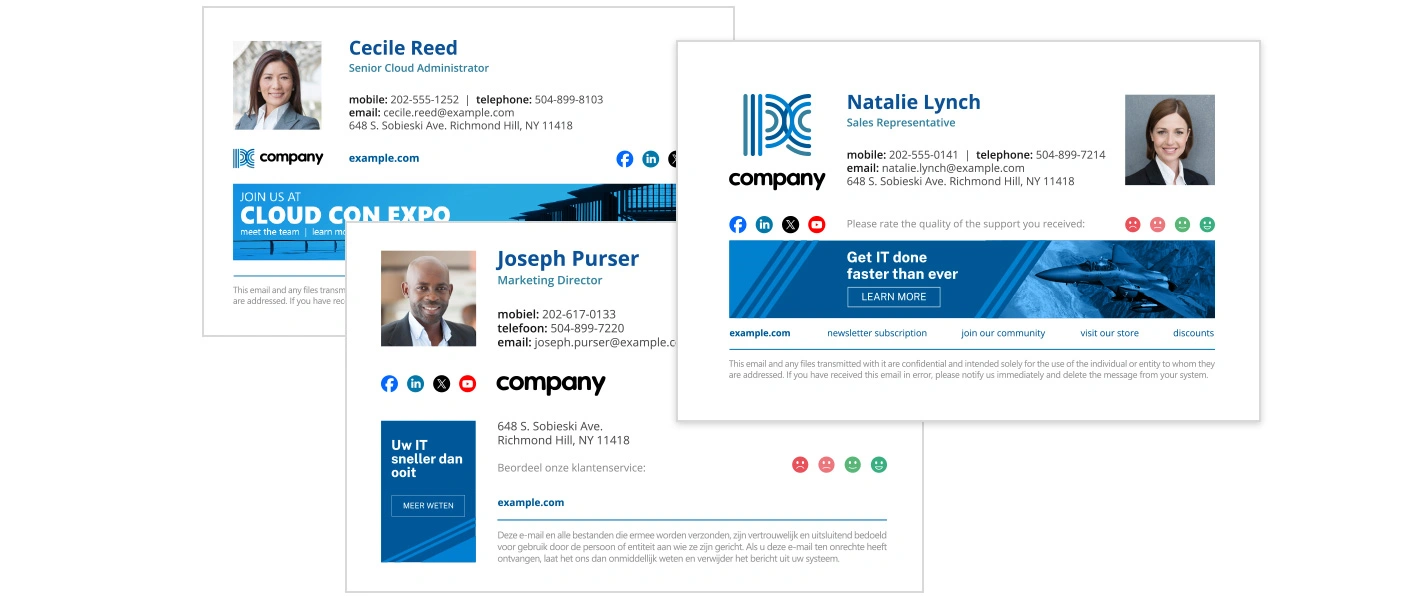
Use your email signatures effectively and personalize their content for targeted recipients to reach a broader audience. This is especially important if you plan to run targeted email campaigns. Create recipient-based signature rules to automate the signature insertion process entirely. Or, create as many templates as needed and let your users choose the correct signature while composing an email in Outlook and OWA.
Email signatures in different languages
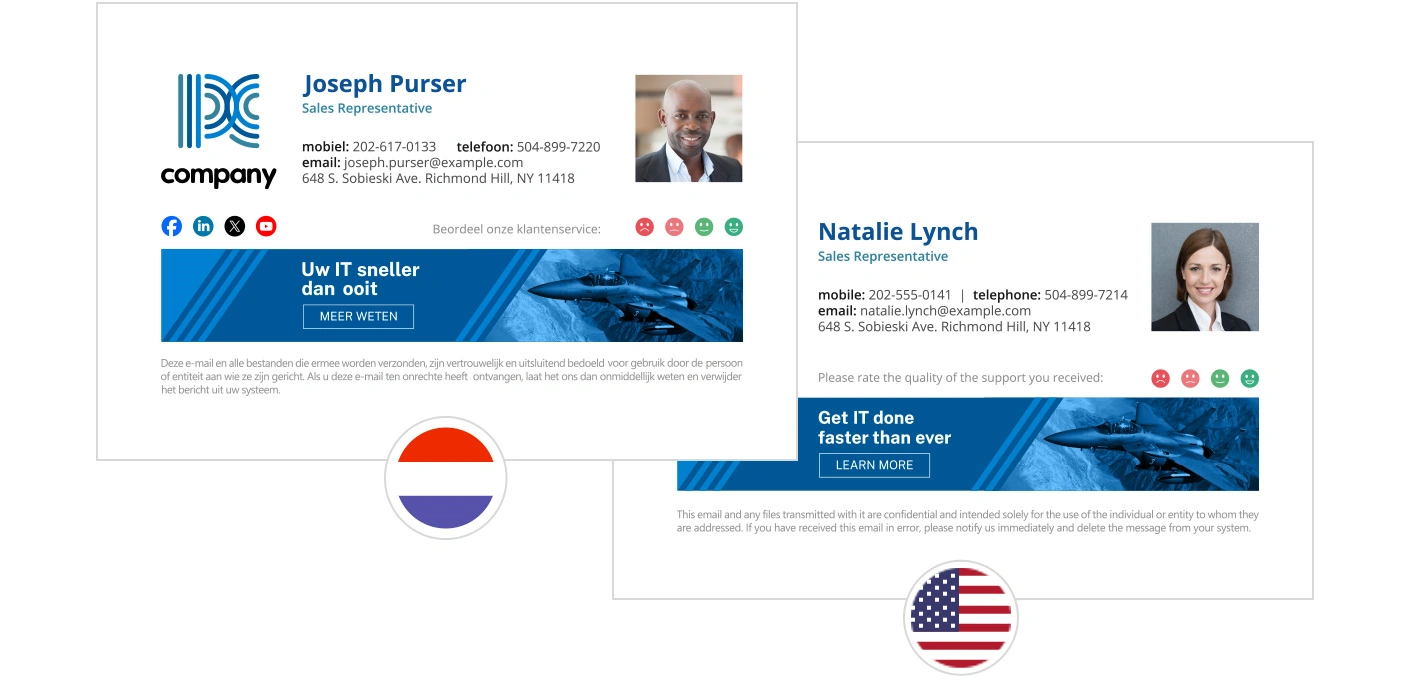
Having different language versions of your company signatures has many advantages. They can help expand the reach of your marketing campaigns, prevent miscommunication. Build trust with your foreign customers, to name a few. With CodeTwo Email Signatures 365, your users can select the correct language version of the signature while composing an email in Outlook and OWA. Or you can automate the process entirely with cloud (server-side) signatures.
Email signatures as ready responses
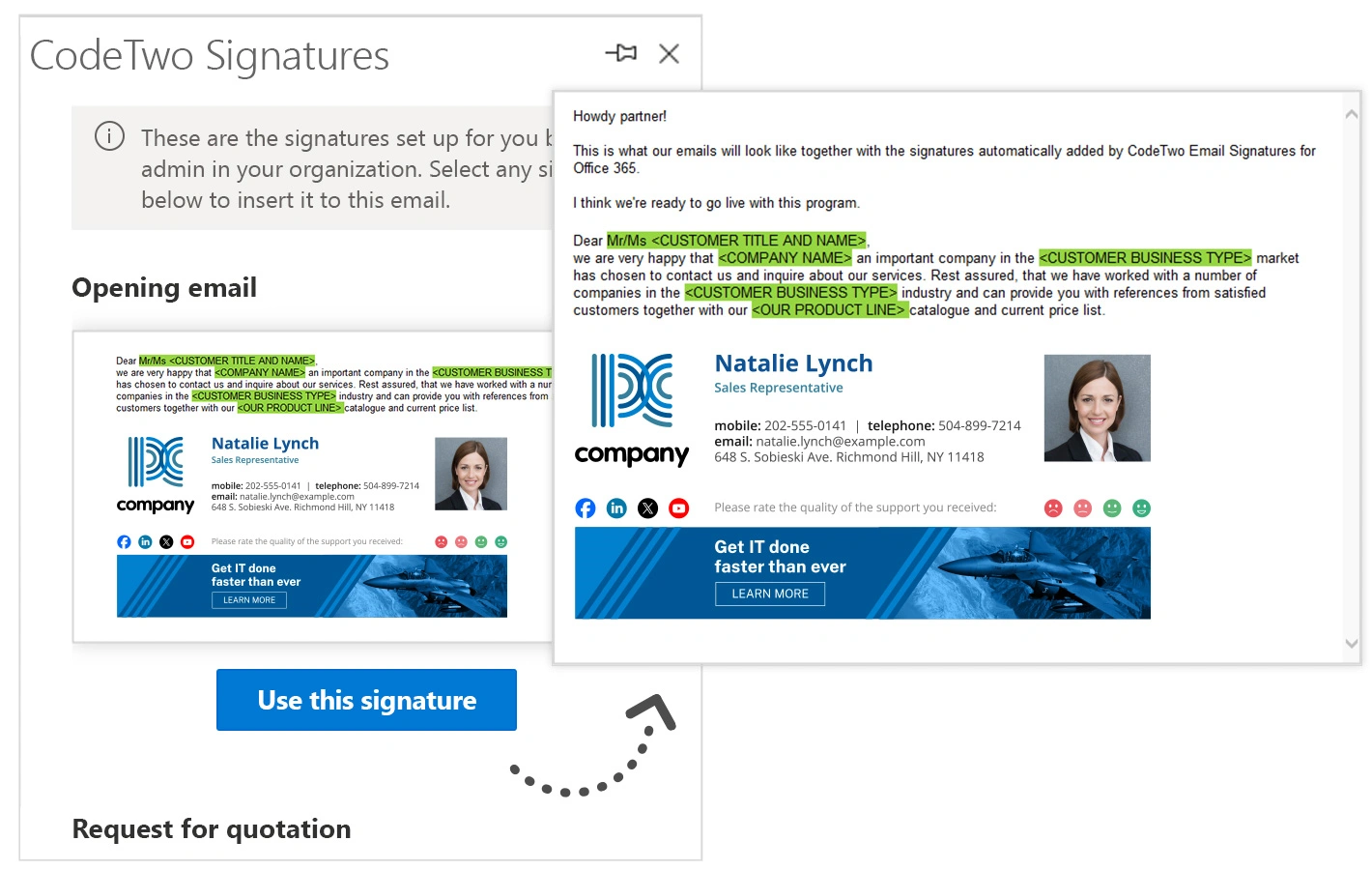
Here’s an unconventional thought: what if you could use email signatures as templates for different email types? Yes, you can! Create whole messages that can be used as quick responses to common customer questions, issues. Or requests (don’t forget to leave spaces for details that need to be entered manually, like the customer’s name). Copy them into the signature template editor in CodeTwo Email Signatures 365 to create templates for Outlook (client-side) signatures. Your users can then select and edit these templates while composing an email in Outlook and OWA.
Email signature marketing: signatures with rotating/variable banners
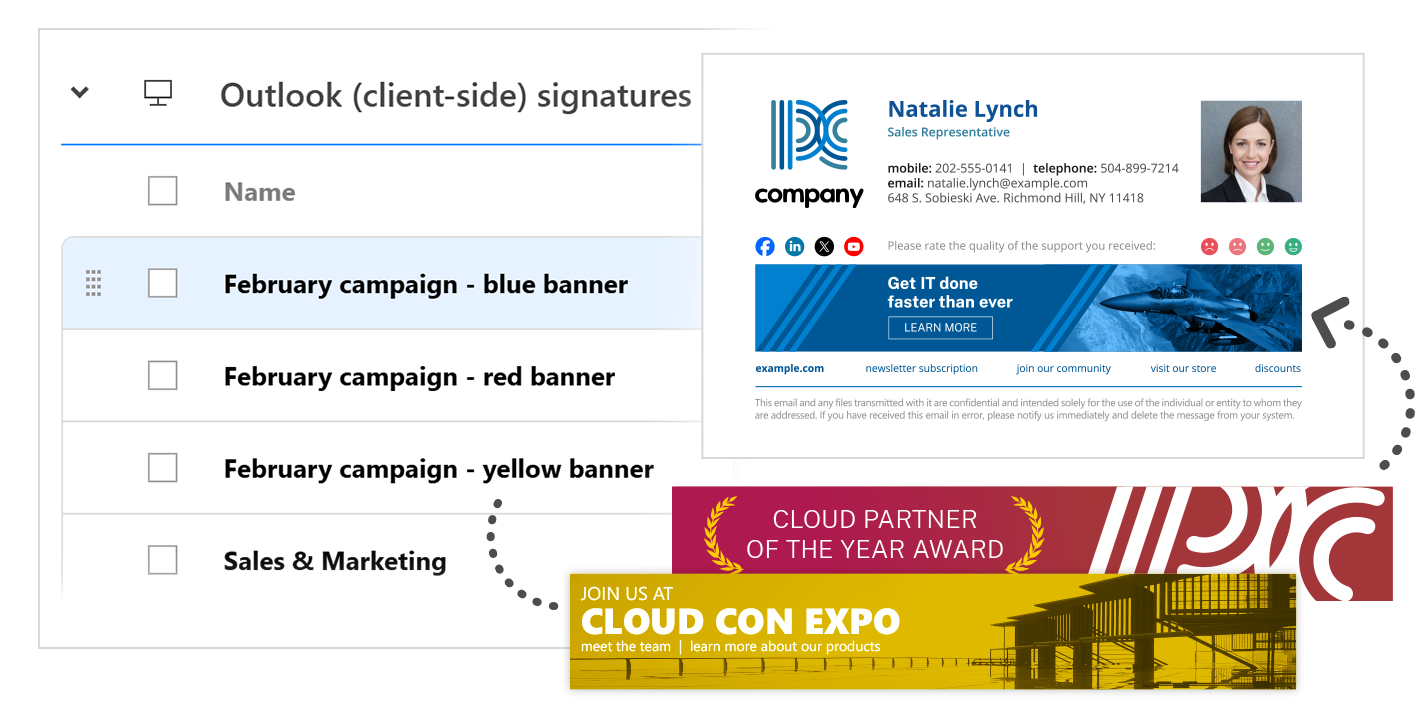
Using the same marketing banner for a long time can reduce its effectiveness. One way to keep your email recipients engaged is to change the banner occasionally or switch between banners every few days, weekly, etc. This can be easily done with CodeTwo Email Signatures 365 – simply use Outlook (client-side) signatures or take advantage of the Scheduler feature.
Automatic email sending
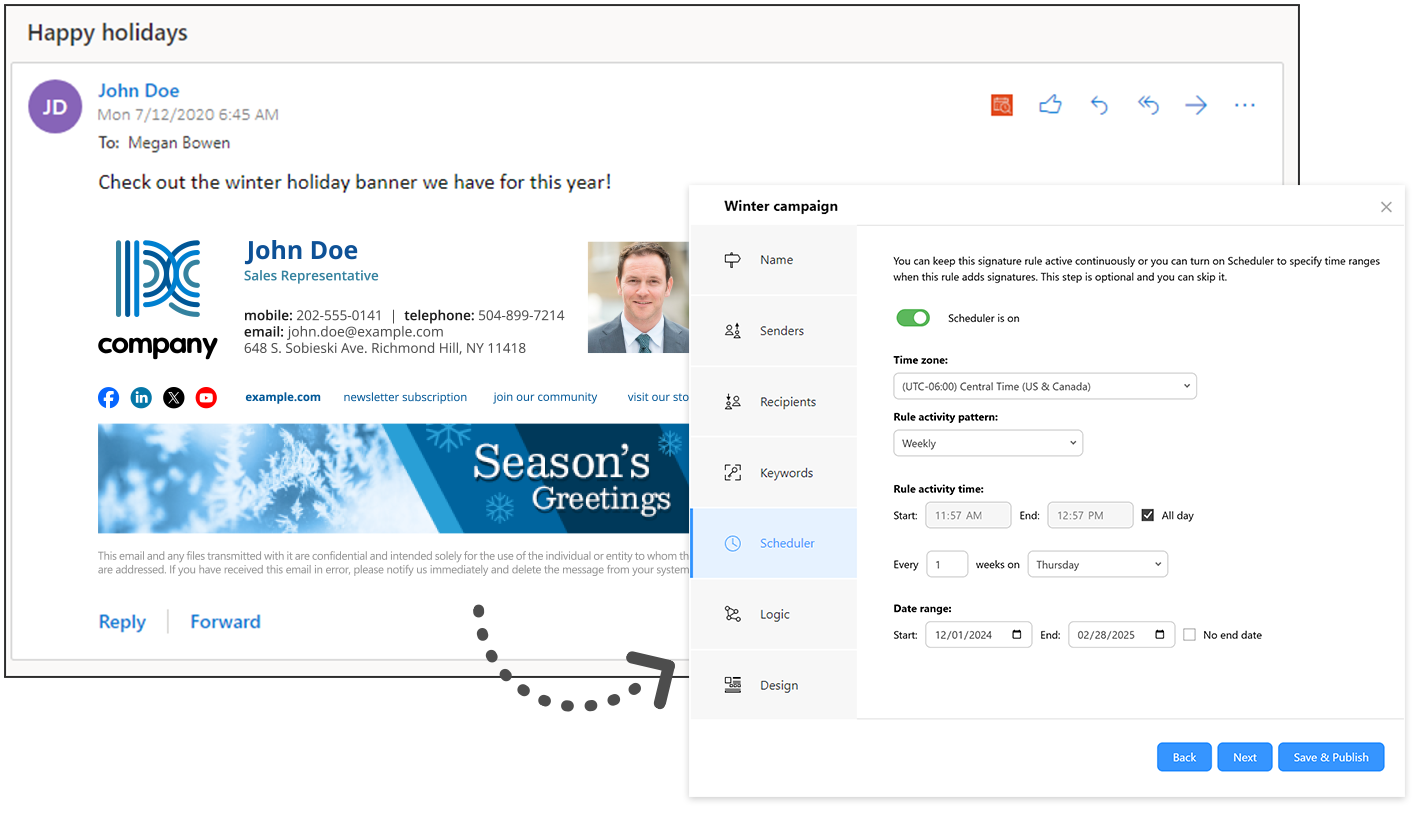
CodeTwo Email Signatures 365 comes with a built-in scheduler that you can use to automatically turn your signature insertion rules on and off at a specific time. This allows you to plan your email marketing campaigns in advance or use some email signatures for a limited time only. Just set the scheduler for selected rules. Our service will make the necessary changes to your business signatures for you.
Signatures triggered or suppressed by keywords
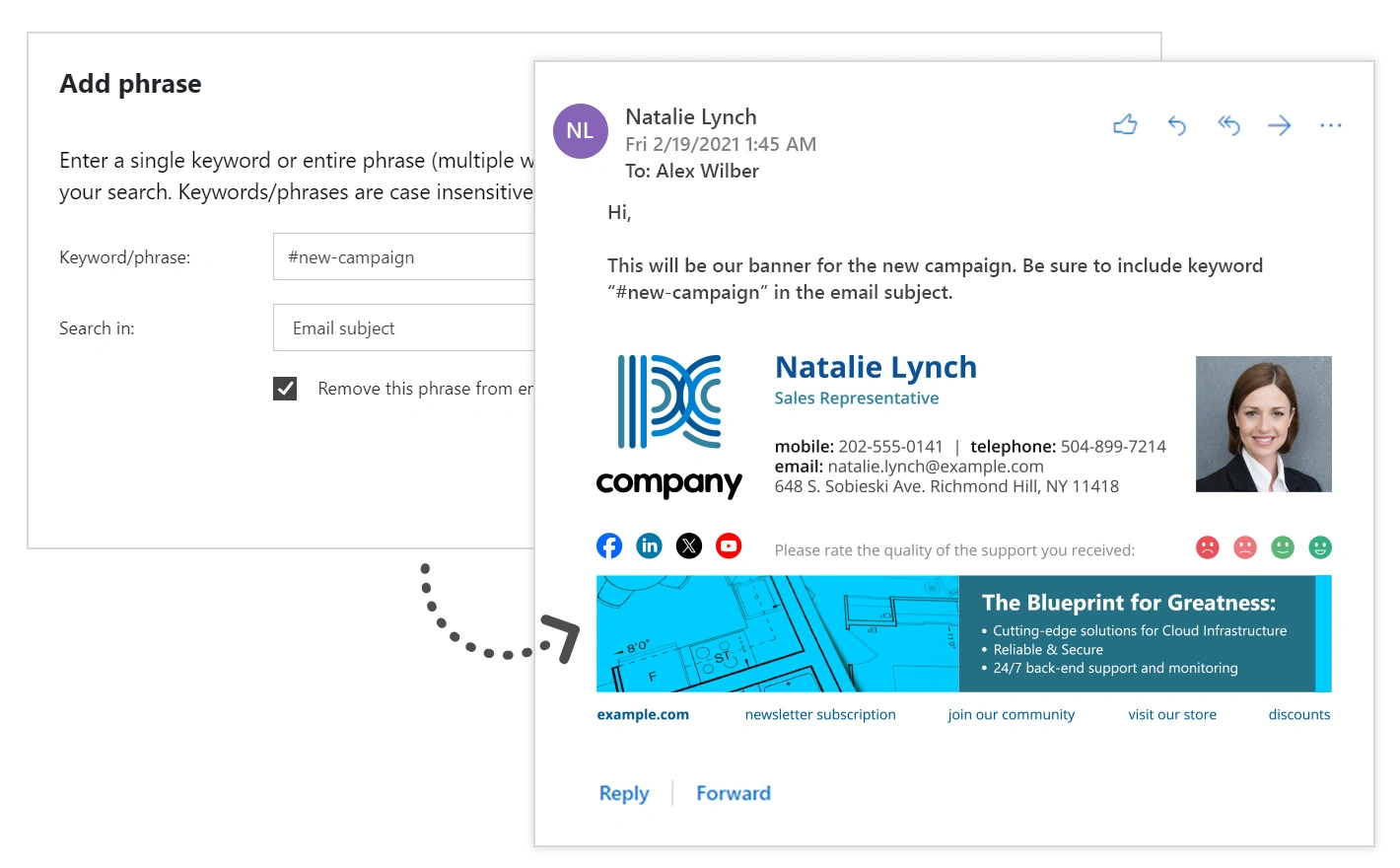
Using CodeTwo Email Signatures 365 in cloud (server-side) mode gives you complete control over your organization’s signatures. However, you can also authorize users to change their signatures or prevent our service from adding any signature before sending an email. This is done by defining a single keyword or phrase that will trigger (or suppress) a specific signature rule when entered in the email subject or body (or both).
Email signatures for shared mailboxes
To maintain brand consistency, don’t forget to provide email signatures for messages sent from shared mailboxes. CodeTwo Email Signatures 365 offers many options in this regard. A message can be stamped with: a signature designed specifically for a particular shared mailbox, a signature of a user sending the message on behalf of that mailbox. Or any other email signature selected by an Outlook/OWA user.
Email signatures for alias addresses
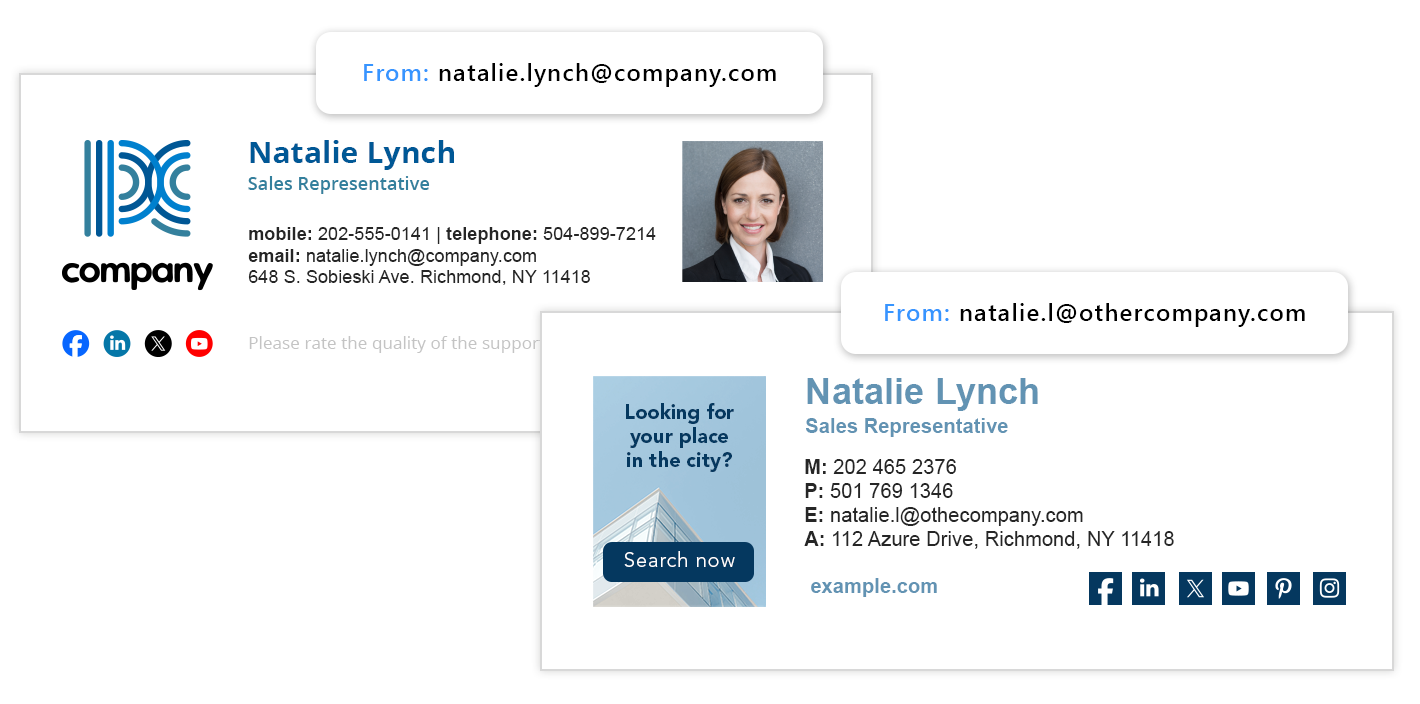
Do you use alternative email addresses (aliases) for different departments, brands, or roles in your organization? With CodeTwo, you can easily create a unique email signature for each address. For example, emails sent by a security officer may need specific contact details. Or emails from a sister company may need distinct branding. Whatever your situation, CodeTwo handles customized signatures for aliases effortlessly.
